Authenticate to the Profinity REST API
Profinity APIs require a Bearer token, which is either a service account token or a token returned by signing in with a username and password. Either way, the account should be dedicated to the client and hold only the permissions the client needs. For a guided first call, refer to Make your first API call.
Use a service account token
A service account token is generated on the account's User Actions tab in Users & Groups, and it is already a Bearer token.
A client that has one skips the /api/v2/Users/Authenticate call and passes the token directly in each request.
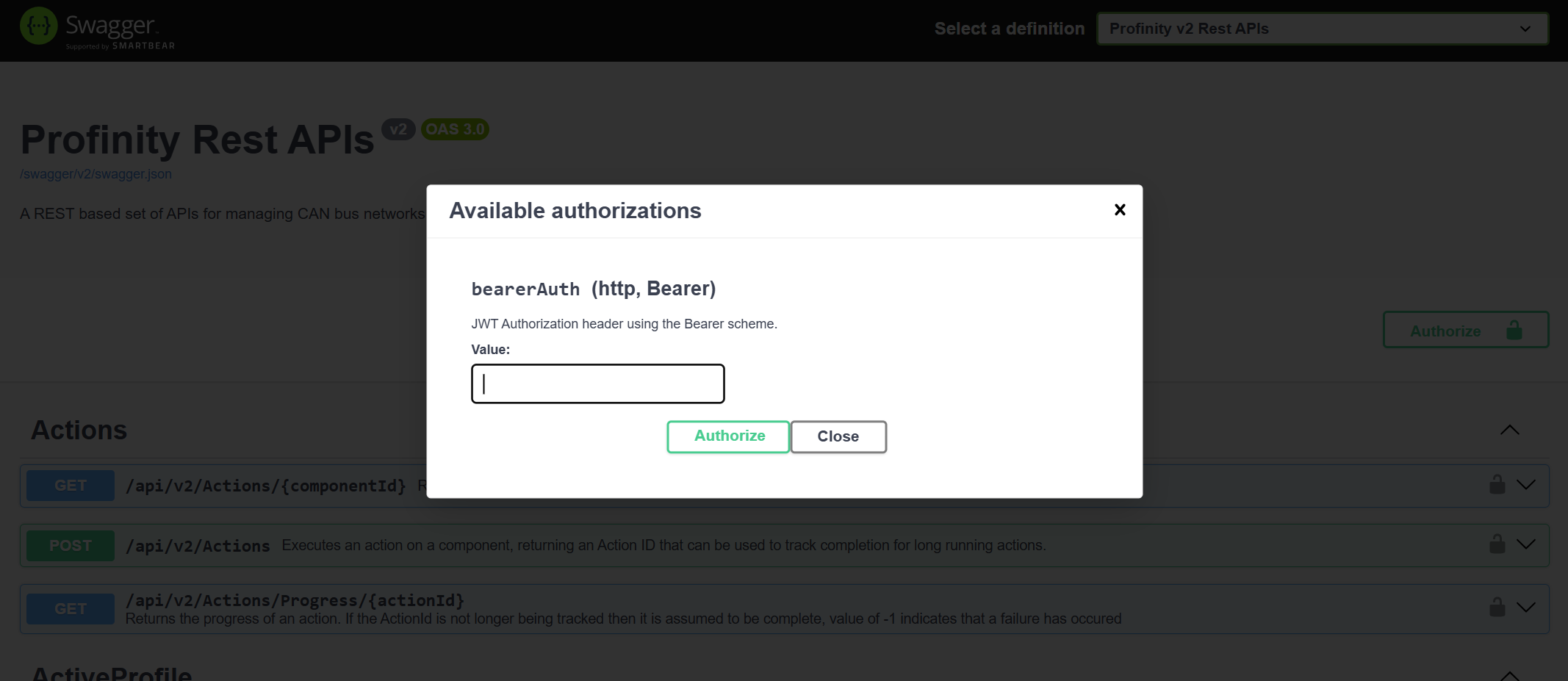
In Swagger, paste the token into the Authorize dialog.
The token never expires and has no refresh token, so it suits a client that runs for a long time or unattended.
It stays valid until an administrator generates a new one, changes the account's roles, or disables the account.
Sign in with a username and password
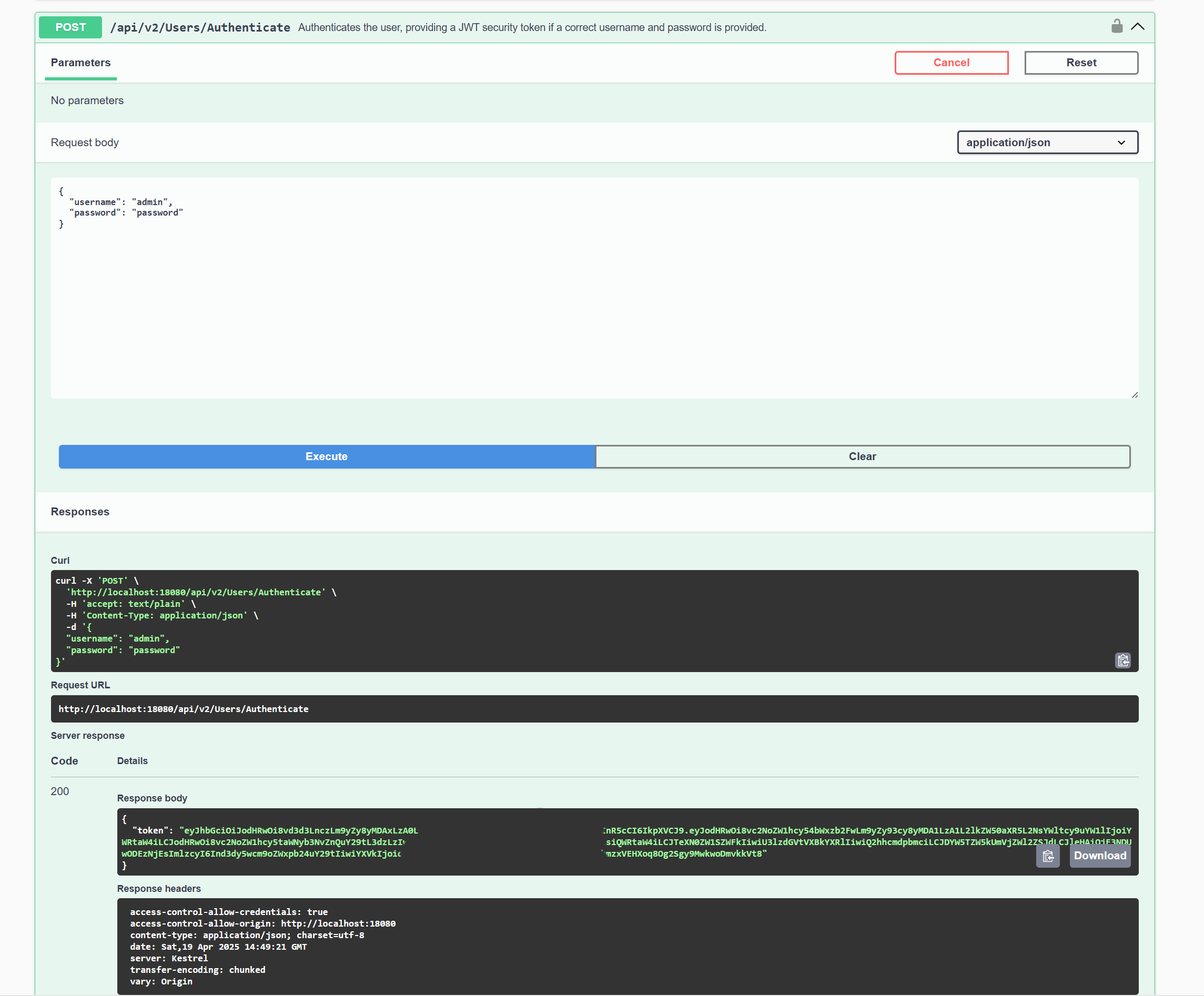
To test the APIs from the Swagger page without a service account token, execute a call against /api/v2/Users/Authenticate on that page.
Then apply the returned token with the Authorize button at the top right of the Swagger page.
To get a token from any other client:
-
Send a POST request to
http://localhost:18080/api/v2/Users/Authenticate. Put the username and password of the Profinity user that the API calls run as in the JSON body, for example: -
Read the response. If the username and password are valid, Profinity responds to a non-browser client with a JSON body. The body carries the access
token, arefreshToken(omitted for service accounts, whose tokens do not expire), theusername, anidand the user'spermissions. This example abbreviates thepermissionslist:
Use HTTPS to protect passwords
Calling this API over an HTTP connection can expose the password to network scanning.
Custom applications running on the Profinity server can use the localhost address, which does not carry this risk.
An application that calls Profinity across a network should use HTTPS for all API usage.
A browser client receives the same session as cookies and a body without the token.
A user who must complete two-factor authentication or change a password first receives a preAuthToken instead of a token, with requiresTwoFactor or requiresPasswordChange set.
Complete the sign-in through /api/v2/Users/Authenticate/TwoFactor or /api/v2/Users/Current/ChangePassword.
A token that is still valid can be renewed with GET /api/v2/Users/Refresh.
Pass the token in requests
Pass the service account token, or the contents of the token field, in each request as a Bearer token.
The documentation of the client-side tool calling Profinity describes how to do this for that tool.
From a command line, this request returns the latest sample of a tag:
Replace <token> with the token and <full-tag-path> with the full path of the tag.
In Swagger, select the Authorize button at the top right of the screen and paste in the generated token:
A request that returns data shows the token works.
Fix 401 and 403 responses
A call with a missing or expired token is answered with 401.
A call from a user that lacks the permission the route needs is answered with 403.
A client that signed in with a username and password and starts receiving 401 should sign in again or renew the token with GET /api/v2/Users/Refresh.
A client that uses a service account token and starts receiving 401 needs the current token from an administrator, because the old token stops working when a new one is generated or the account's roles change.
To read tag data with the token, refer to Read real-time and historical tag data.