Profinity Scripting
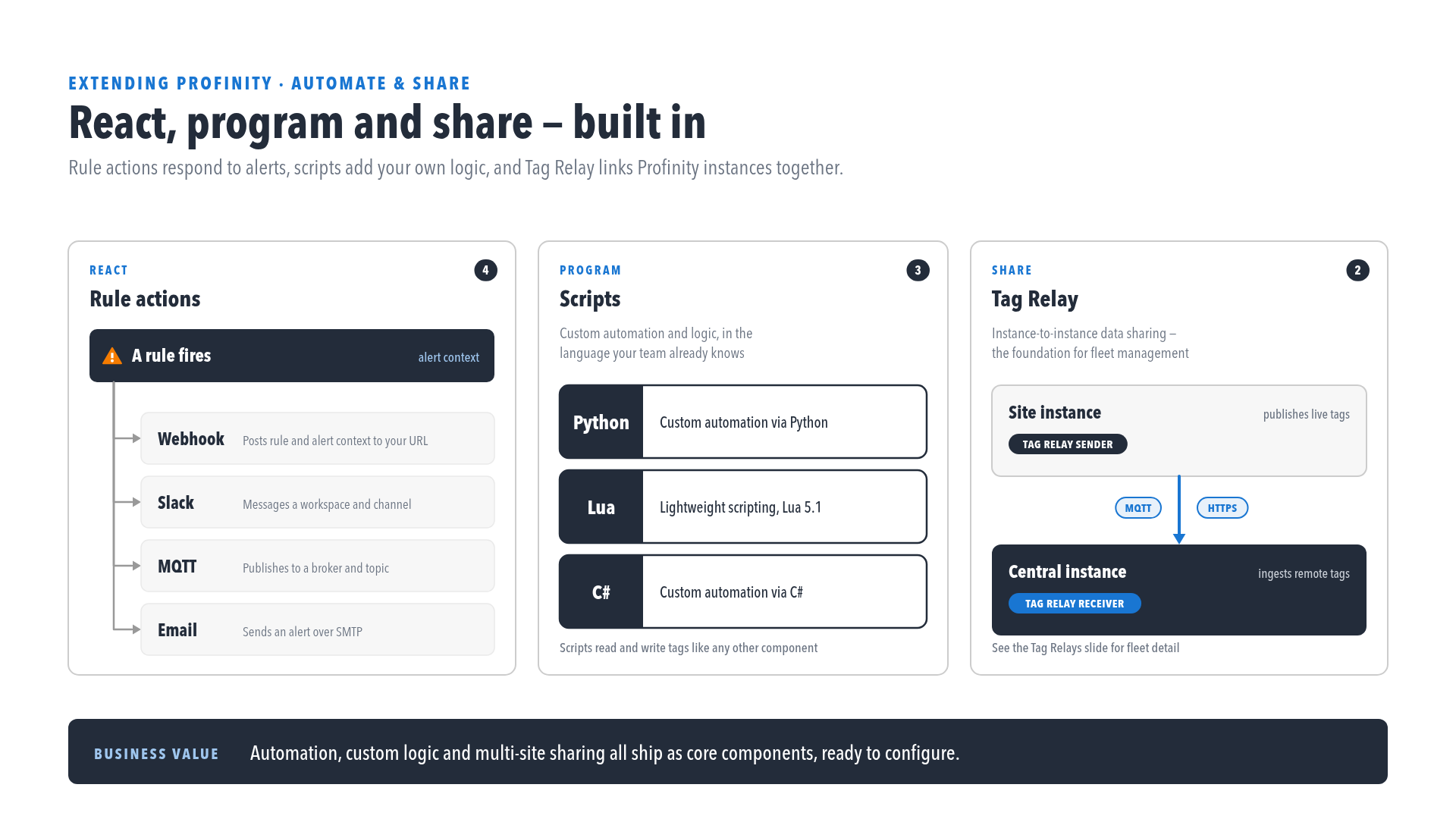
Profinity scripting automates tasks, processes CAN messages and creates custom operations in C#, Python or Lua.
Licence required
Scripting requires the Scripting licensed feature, included in the Desktop, Server, and Enterprise editions. An unlicensed instance cannot add or run scripts. Refer to Licensing for what each edition includes.
Scripts run with the permissions of Profinity
Profinity scripts execute with the same security permissions as Profinity itself
Because Profinity Scripting runs inside the Profinity engine, any script executes with the same operating system security permissions as Profinity itself, so an administrator must review what each script does before it is enabled.
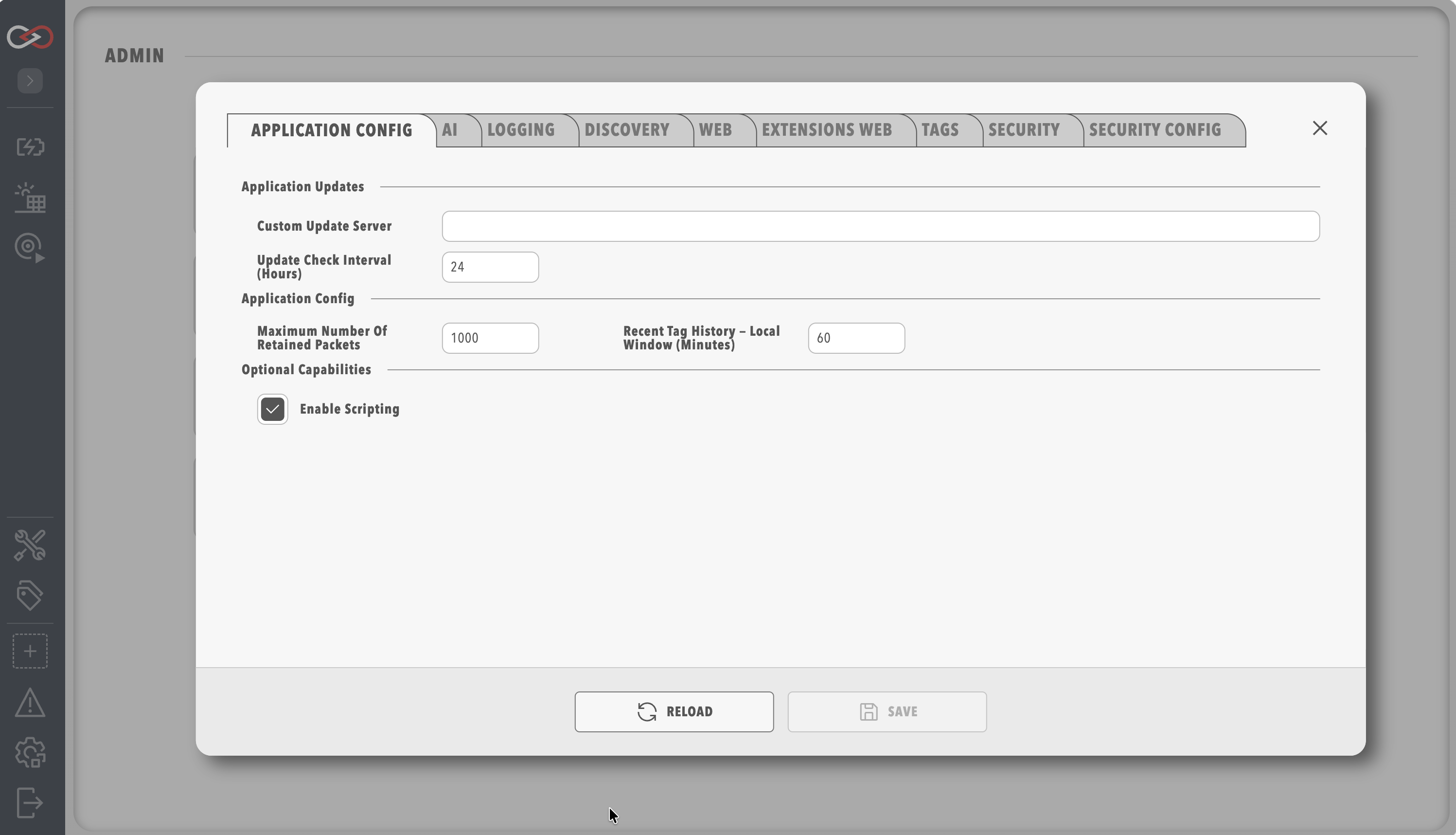
To keep the Profinity environment secure, scripting is disabled until it is explicitly enabled. To enable Profinity Scripting, open Application Config and turn on Enable Scripting.
Script types
Profinity has five script types, which between them cover seven values of the Script Mode setting: Run On Demand, Run On Receipt of CAN Message, Run On Tag Change, Run On Alert, Run On Time Interval, Run On CRON Schedule and Run as Service. Run Scripts cover manual and scheduled operations (the Run On Demand, Run On Time Interval and Run On CRON Schedule modes), Receive Scripts handle incoming CAN messages, Service Scripts run continuously, Tag Change Scripts react when a watched tag changes, and Rule Scripts handle a rule firing. The Script Types page describes each mode and when to use it. Refer to Rule Scripts and Actions.
Supported languages
A script can be written in C#, Python or Lua, and each language supports the same set of script types (Run, Receive, Service, Tag Change and Rule Script). C# suits complex, type-safe operations, Python suits data handling and quick edits, and Lua suits lightweight scripts. Refer to Supported Languages for the comparison.
Operations
Profinity provides five built-in operations to every script through the Profinity object: CAN Bus for CAN communication, DBC for Message and Signal handling, State for data that survives between runs, Console for output and logging, and Tags for reading and writing tag values.
Scripts that belong to a Custom Component can also read and write Component and firmware settings.
A script that a Custom Component runs from a firmware action also receives an action context, with the action name, any uploaded file, and progress reporting.
The Supported Operations page describes each in more detail.
Next steps
Writing and testing a script on a developer machine, before it is copied into a profile, is covered on Test a script outside Profinity. Supported Languages helps with choosing a language, Script Types with choosing a script style, and Supported Operations lists what a script can do. A first script is built in How to Write Your First Script.