Logging
Saving changes on any System Configuration tab restarts Profinity. Refer to System Configuration for what to expect.
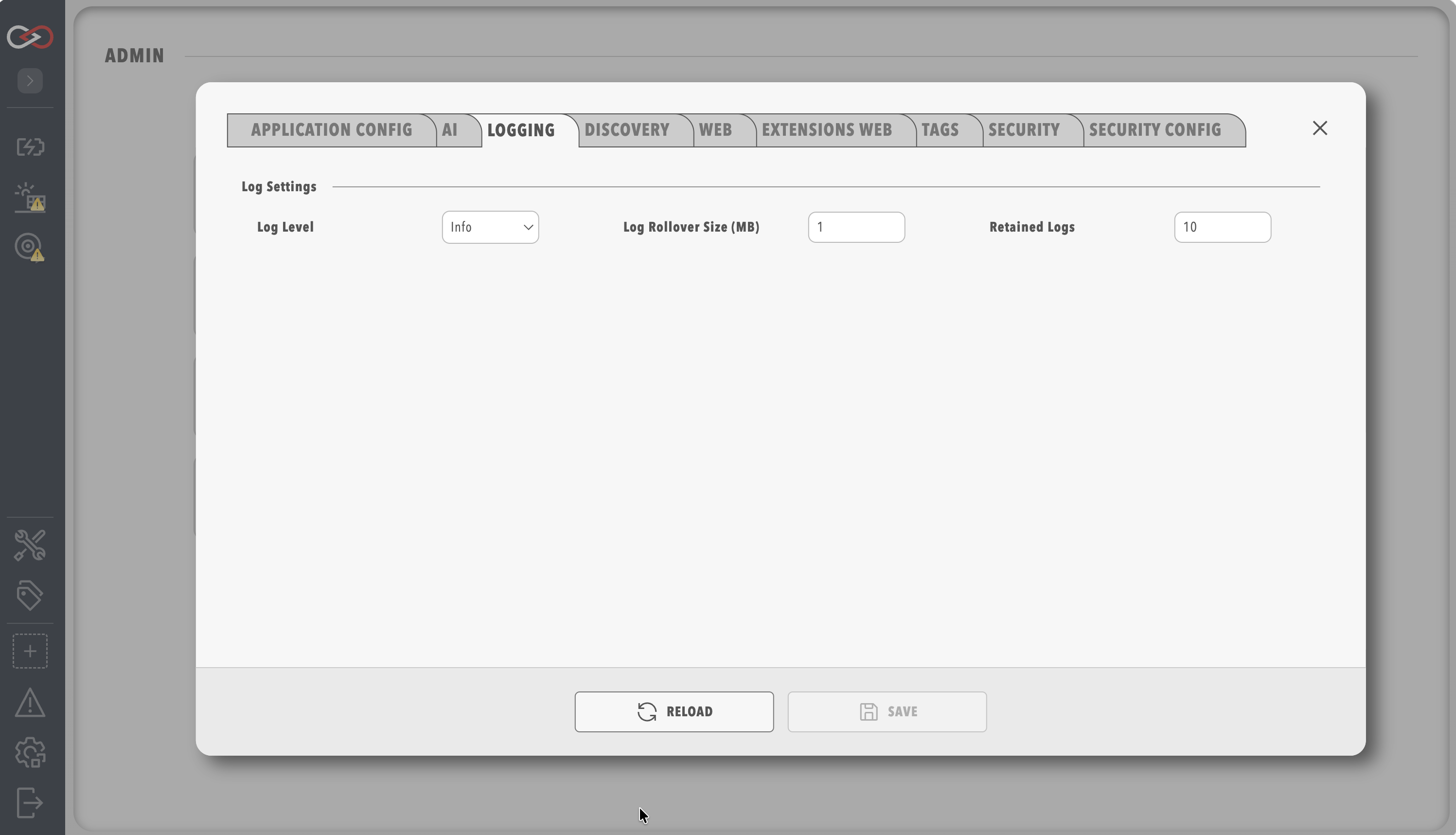
The Logging tab of System Configuration holds the log level, the log rollover size and the number of retained logs.
| Option | Default | Range | Description |
|---|---|---|---|
Log Level |
Info |
Trace, Debug, Info, Warn, Error, Fatal |
Only messages at this level or higher are recorded in the log files. |
Log Rollover Size (MB) |
1 | 1 to 4096 | The size a log file reaches before a new file is started. |
Retained Logs |
10 | 1 to 1000000 | The number of log files kept, after which the oldest are deleted. |
The default rollover size of 1 MB fills quickly on a busy instance, so raise Log Rollover Size (MB) when a lower log level is used for diagnosis.
Each logging level also includes every more severe level, so Trace records every message from Debug through Fatal.
The table lists the levels.
| Logging Level | Description |
|---|---|
Fatal |
Used when the application encounters an error that prevents critical functionality from working |
Error |
Used when the application encounters an error that prevents particular functionality from working, but other parts of the application may remain functional |
Warn |
Indicates something unexpected has happened, but the application continues to function |
Info |
Standard log level containing informative messages indicating the actions of the application. For example, when changing states or connecting to the web API. |
Debug |
Intermediate level of visibility that is helpful for debugging. Details some of the underlying application processes |
Trace |
Grants full visibility of underlying application execution. Only necessary when performing debugging |
Once a log level is set, it remains in effect across restarts of Profinity. To read the logs, refer to Logs.