Install Profinity on Linux and macOS
Install Profinity on Linux or macOS with the bootstrap installer, or from a downloaded archive. For Windows, refer to Install Profinity on Windows, and for containers, refer to Docker installation.
| Method | Use when | Result |
|---|---|---|
Bootstrap installer (install.sh) |
You install on a Linux server or embedded device, or any host where Profinity should start on boot | Selects the right archive for the host, installs into /opt/profinity, creates the profinity service user, and on Linux with systemd creates the profinity.service unit |
| Archive installation | You are trying Profinity, running it interactively, or installing without root or systemd | Files extracted into a folder of your choice, and started by hand with ./profinity.sh |
Install with the bootstrap installer
The installer downloads the release archive that matches the host operating system and CPU architecture, verifies it, and unpacks it into an install root, /opt/profinity by default.
On Linux with systemd it also creates the profinity service user, the artefacts directory, and the profinity.service unit.
Installing does not start Profinity.
On Linux, run the installer as root with sudo, unless you use --no-systemd with a writable --install-dir.
The host needs internet access, or a local archive as described under Installer options.
-
Download the installer and its checksum:
-
Verify the checksum and run the installer:
On macOS, use
shasum -a 256 -c install.sh.sha256in place ofsha256sum -c. -
Start Profinity with
/opt/profinity/profinity.shto test the configuration, or start it as a service as described in Run Profinity as a service.
The installer can also be piped straight into the shell with curl -fsSL https://github.com/Prohelion/Profinity/releases/latest/download/install.sh | sudo bash.
That trusts the network transport only and cannot verify the checksum, so avoid it on production hosts.
Installer options
| Option | Effect |
|---|---|
--install-dir <path> |
Install into a different location than /opt/profinity |
--version <x.y.z> |
Install a specific GitHub release tag instead of the latest, ignored with --channel |
--channel <name> |
Download from a Prohelion file server channel instead of GitHub. Prohelion supplies the channel name and the installer address |
--package <archive> |
Install from a local .tar.gz or .zip with no download, for hosts without internet access. No checksum step is performed for a local package |
--no-systemd |
File-only install: skip the service user, artefacts directory, and systemd unit |
--dry-run |
Print the planned actions without changing the system |
For a channel, download the installer from the address Prohelion supplies, then run it with the channel name:
Update Profinity
update.sh, installed alongside profinity.sh in the install root, fetches the matching release for the installed edition and swaps the application files in place.
It takes the same --channel and --version options as the installer, and does nothing if the installed version is already current.
Pass --force to reinstall anyway.
If the profinity service is active, update.sh stops it before it applies the update and restarts it afterwards.
Where Profinity stores its data
On Linux, Profinity 2.3 stores writable data under /var/lib/prohelion/profinity by default, not ~/.local/share, and there is no per-user fallback.
On macOS the default is ~/Library/Application Support/Prohelion/Profinity.
The bootstrap installer creates this directory. For more information, refer to Artefacts directory.
Open the web interface
Open the address that the Now listening on line of the log reports, or the httpAddress and httpPort values in config.yaml.
By default Profinity listens on all network interfaces (0.0.0.0) on port 18080, so you reach it at http://localhost:18080 on the local machine, or at http://[host name or IP address]:18080 from another machine.
Opening the web interface from another machine needs a Server licence, as described in Apply a licence.
The browser opens the Profinity sign-in page.

A fresh installation has only the administrator user active.
Sign in with the username admin and the password password, and Profinity asks for a new password at the first sign-in.
Choose one as described in the Security guide.
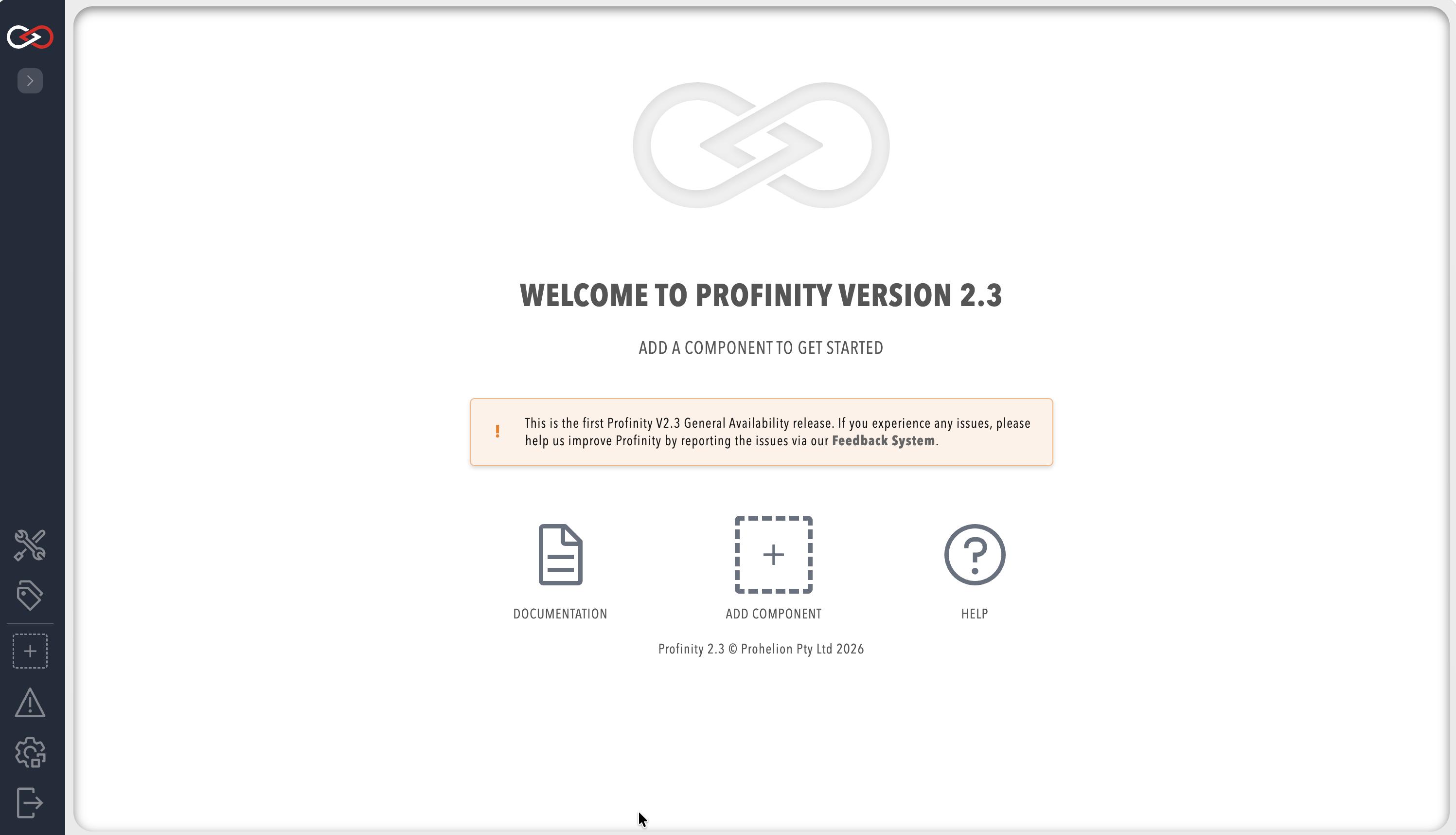
After you sign in, the Profinity homepage appears.
To stop Profinity in a terminal, press Ctrl-C in that window.
To stop it as a service on Linux, run sudo systemctl stop profinity, as described in Run Profinity as a Linux service.
Troubleshooting
- On Linux, Profinity logs
Unable to create directory '/var/lib/prohelion/...'and then fails to save its configuration: the account that runs Profinity does not own the directory, so runsudo chown -R profinity:profinity /var/lib/prohelionfor the service user, or setPROFINITY_HOMEto a path the account can write.