Panel component
A panel is a titled container within a panels grid that holds related content and data visualisations.
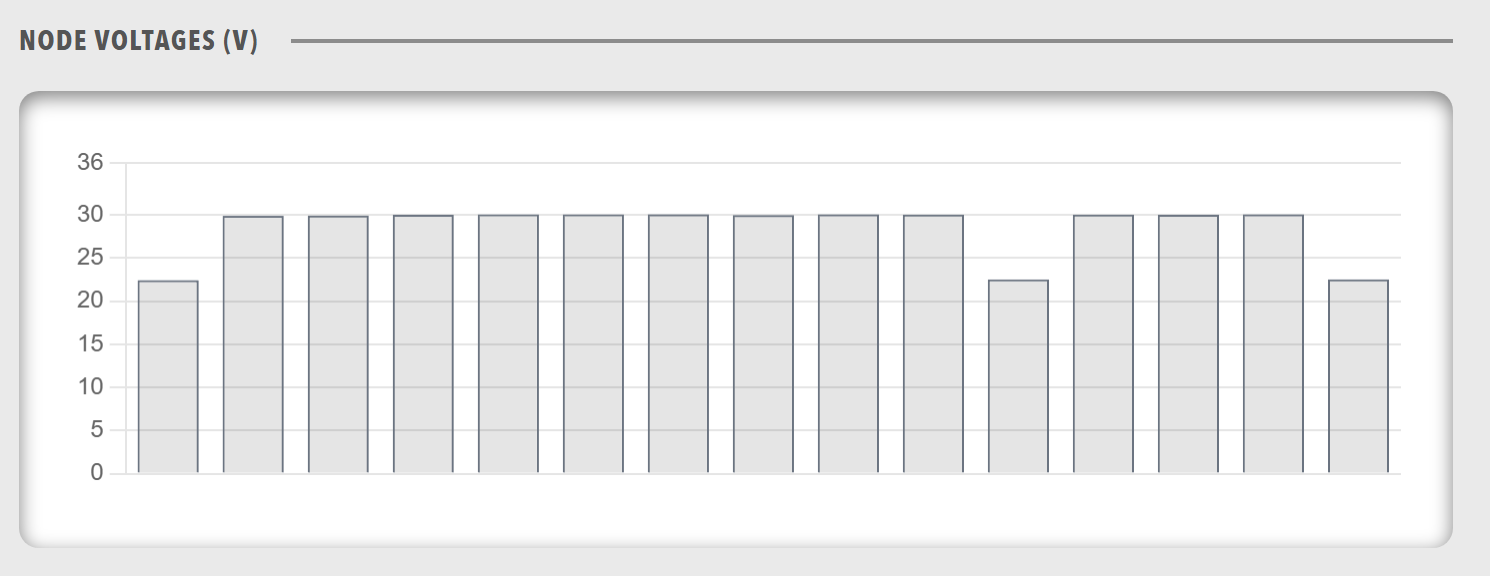
When to use
Use a panel for one titled section of data inside a panels grid. Use a Group when the components need no title or panel frame.
Parameters
| Parameter | Type | Required | Default | Description |
|---|---|---|---|---|
id |
string | No | None | Not used by the web interface |
class |
string | No | None | Style variant of the panel body. sunken is the only variant that Profinity defines, and it suits charts and state diagrams. The variant applies to the panel body and not to the whole panel |
title |
string | Yes | None | Title text in the panel header, at the top of the panel |
menu |
object | No | None | When present, the panel header shows a static menu icon. The icon is not interactive and the menu items are not displayed, so a panel menu does not provide navigation, actions, or dialogs. |
width |
string | No | None | Width in CSS format, for example 100px, 50% or auto, applied to the panel |
height |
string | No | None | Height in CSS format, for example 100px, 50vh or auto, applied to the body area of the panel |
minHeight |
string | No | None | Minimum height of the panel body in CSS format. The body grows to fit its content and never shrinks below this value, and the value never stretches the panel to fill space |
items |
array | Yes | None | Components displayed in the body of the panel: a chart, lamps, state diagram, group, readouts, table, html, redirect, or caption. Place any other component inside a group |
A panel with a menu shows a static menu icon in its header, and clicking the icon does nothing.
Use the Titlebar menu or an Action component for navigation and actions.
Example
Basic example
dashboard:
  items:
    - row:
        items:
          - panels:
              items:
                - panel:
                    title: "Temperature Sensors"
                    height: "auto"
                    items:
                      - readouts:
                          items:
                            - readout:
                                label: "Sensor 1"
                                value: 22.5
                                unit: "°C"
                                precision: 1
                            - readout:
                                label: "Sensor 2"
                                value: 24.2
                                unit: "°C"
                                precision: 1
Height variations
Panels support different height configurations for flexible layouts.
dashboard:
  items:
    - row:
        items:
          - panels:
              items:
                - panel:
                    title: "Fixed Height Panel"
                    height: "200px"
                    items:
                      - chart:
                          type: "line"
                          value:
                            labels: ["Jan", "Feb", "Mar"]
                            datasets:
                              - label: "Data"
                                data: [10, 20, 30]
                - panel:
                    title: "Viewport Height Panel"
                    height: "50vh"
                    items:
                      - table:
                          tableHeaders:
                            - header:
                                accessorKey: name
                                value: Name
                          value: []
                - panel:
                    title: "Auto Height Panel"
                    height: "auto"
                    items:
                      - readouts:
                          items:
                            - readout:
                                label: "Value"
                                value: 42
Width example
Panels also support explicit width values to control horizontal sizing within layouts.
dashboard:
  items:
    - row:
        items:
          - panels:
              items:
                - panel:
                    title: "Half Width Panel"
                    width: "50%"
                    height: "auto"
                    items:
                      - readouts:
                          items:
                            - readout:
                                label: "Value"
                                value: 42
                - panel:
                    title: "Fixed Width Panel"
                    width: "480px"
                    height: "auto"
                    items:
                      - html:
                          content: "<p>Fixed width content area</p>"
Complex nested structures
Panels can contain complex nested component structures, in which a group holds the components that the panel does not accept directly.
dashboard:
  items:
    - row:
        items:
          - panels:
              items:
                - panel:
                    title: "Motor Controller Overview"
                    height: "auto"
                    items:
                      - group:
                          direction: "horizontal"
                          items:
                            - icon:
                                image: nav_motorcontrollers_active.svg
                            - readouts:
                                items:
                                  - readout:
                                      label: "Bus Voltage"
                                      precision: 1
                                      bind:
                                        - target: value
                                          source: 'DBC/BusMeasurement/BusVoltage'
                                  - readout:
                                      label: "Bus Current"
                                      precision: 1
                                      bind:
                                        - target: value
                                          source: 'DBC/BusMeasurement/BusCurrent'
                      - chart:
                          type: "line"
                          legend: false
                          refreshInterval: 1000
                          bind:
                            - target: value
                              source: 'DBC/BusMeasurement/BusVoltage'
                              seriesMode: timeSeries
                              timeRangeStart: "-5m"
                              timeRangeStop: "0m"
                      - lamps:
                          items:
                            - lampgroup:
                                items:
                                  - lamp:
                                      color: "green"
                                      label: "Online"
                                      value: 1
                                      bind:
                                        - target: enabled
                                          source: 'DBC/Status/Online'
                                          toType: boolean
                                  - lamp:
                                      color: "red"
                                      label: "Error"
                                      value: 1
                                      bind:
                                        - target: enabled
                                          source: 'DBC/Status/Error'
                                          toType: boolean
Complete example
dashboard:
  items:
    - row:
        items:
          - panels:
              items:
                - panel:
                    class: "sunken"
                    title: "System Status"
                    height: "60vh"
                    minHeight: "200px"
                    items:
                      - group:
                          direction: "vertical"
                          items:
                            - lamps:
                                items:
                                  - lampgroup:
                                      items:
                                        - lamp:
                                            color: "green"
                                            label: "Online"
                                            value: 1
                                            bind:
                                              - target: enabled
                                                source: 'DBC/Status/Online'
                                                toType: boolean
                            - readouts:
                                items:
                                  - readout:
                                      label: "Temperature"
                                      bind:
                                        - target: value
                                          source: 'DBC/Temperature/Value'
                            - chart:
                                type: "line"
                                bind:
                                  - target: value
                                    source: 'DBC/Temperature/Value'
                                    seriesMode: timeSeries
                                    timeRangeStart: "-5m"
                                    timeRangeStop: "0m"