System Information
To see which version of Profinity you are running, select ADMIN in the side menu, then the System Information pill.
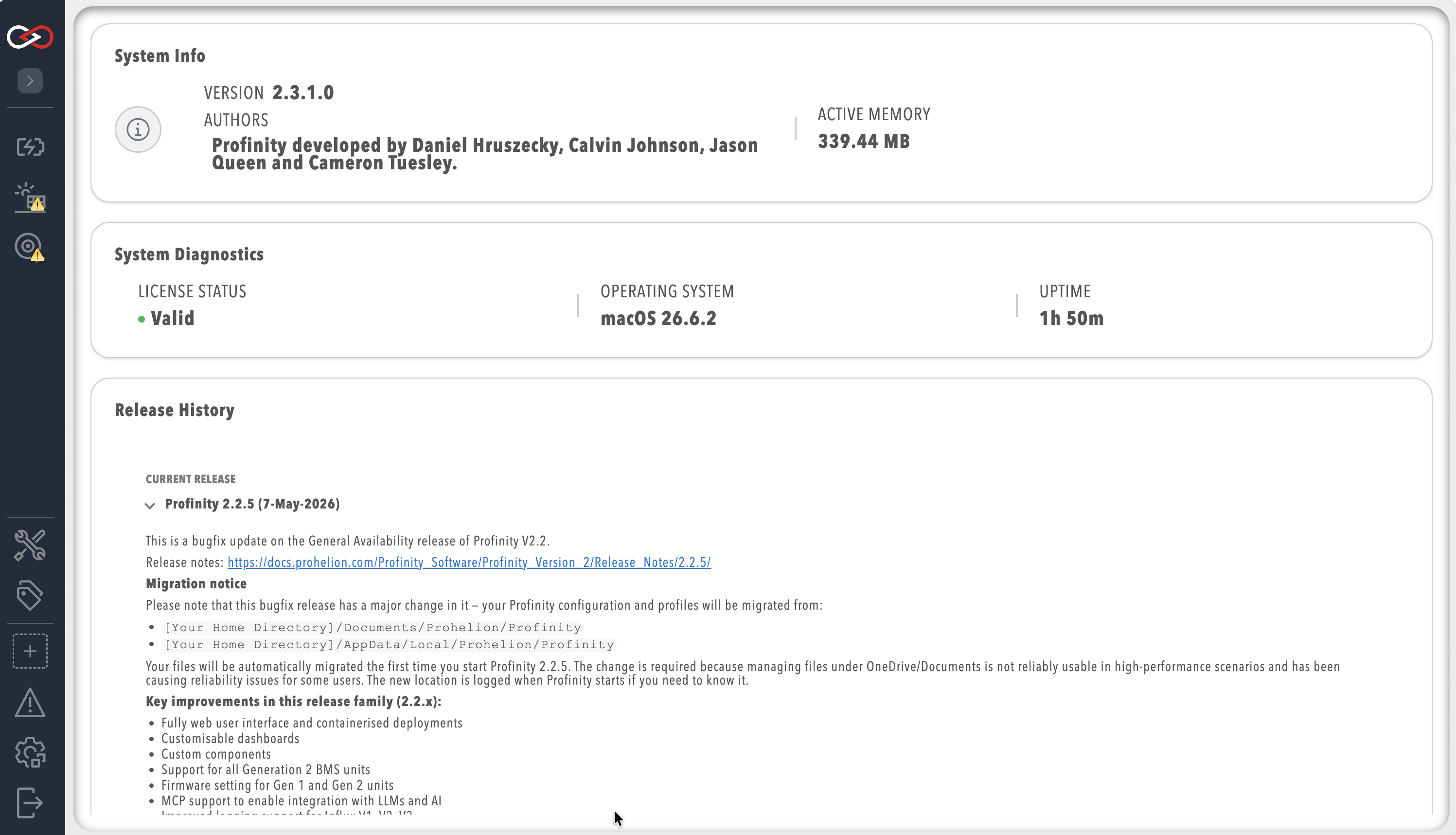
The page lists the version, the authors and the active memory in use, followed by a New Release Available banner when a newer Profinity release has been detected. The System Diagnostics section shows the License Status (refer to Licensing), the operating system and the system uptime. The Release History section lists the current release and earlier versions, with the software credits.
Restarting Profinity
The Restart Profinity pill on the ADMIN page, shown to users with the Security administration permission, restarts Profinity after a confirmation that reads "Restarting Profinity will interrupt all active sessions. Are you sure you want to continue?". Choose a time when nobody is part-way through a task.