Custom Component files
Each file on a Custom Component is optional while the component lives in one profile, and a pack requires four of them: component_metadata.yaml, settings_map.yaml, firmware_map.yaml, and actions.yaml.
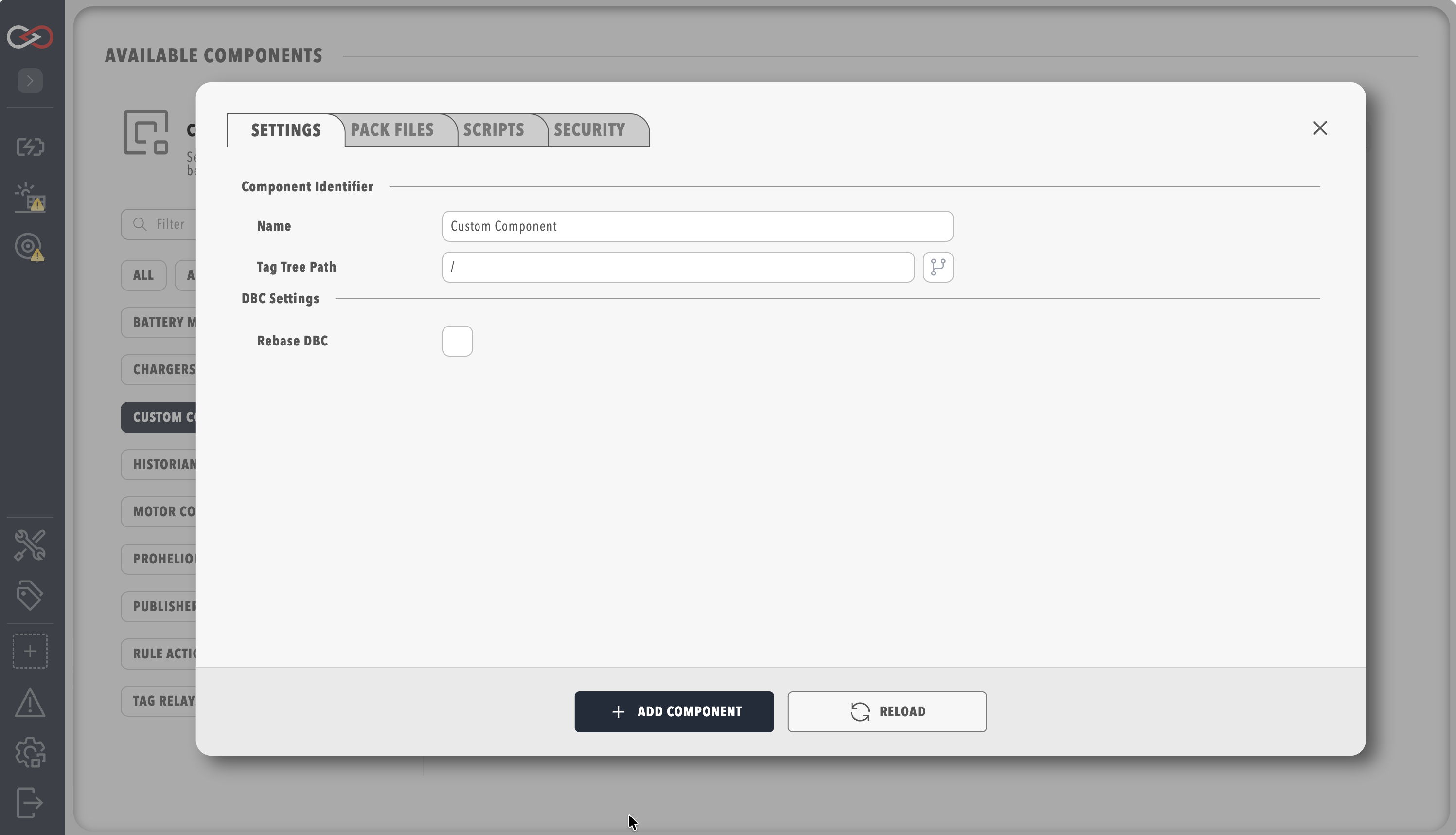
Settings for an authored component are arranged as Settings, Pack files, Scripts, and Security, with Pack files grouping the uploads into Device, Presentation, Behaviour, Maps, and Firmware, DBC Settings holding Rebase DBC and Rebase Address, and Scripts holding Main Script (Optional) and Auto Start Main Script.
component_metadata.yaml is not an upload, and it is written in the component folder when the component is packed.
None of these files is required for the component to run in a profile, and if no dashboard is uploaded Profinity writes a starter dashboard named after the component.
| File | Upload field | Required to pack | Role |
|---|---|---|---|
DBC (.dbc) |
Upload DBC File (Optional) | No | CAN message and signal database for Messages and Signals, and for dashboard bindings that read CAN signals |
Dashboard (.yaml) |
Upload Dashboard (Optional) | No | The component page |
| Rules YAML | Rules YAML file (Optional) | No | Rules evaluated when this component's tags change |
actions.yaml |
Actions YAML file (Optional) | Yes | Menu actions: a button, a service toggle, or Connect / Disconnect for the main script |
Main script (.cs, .py, or .lua) |
Main Script (Optional) on Scripts | No | Long-running service that publishes tags |
settings_map.yaml |
Settings Map YAML file (Optional) | Yes | Extra settings fields shown on the component |
firmware_map.yaml |
Firmware Map YAML file (Optional) | Yes | Firmware settings fields shown on the component |
firmware.yaml |
Firmware Actions YAML file (Optional) | No | Scripts for load, save, and any further firmware actions |
component_metadata.yaml |
Written in the component folder | Yes | Catalogue name, description, and which files the pack binds |
Every Profinity YAML document in that set carries version: "2.3", and a component can mix script languages because Profinity runs each script from its file extension: .cs, .py, or .lua.
profinity-component-pack validate and pack stop with Missing required file: followed by the file name when any of the four pack files is absent, but the component still runs in a profile without those files.
The keys are on Component metadata, and the pack commands are on Component Pack CLI.
An instance added from a pack hides Pack files and Scripts, so the operator then edits Name, Tag tree path, menu placement, and the fields from settings_map.yaml.
Refer to Using a Custom Component.