Service accounts
A service account is a user record that exists for automation rather than a person, and it signs in with a long-lived API token instead of a password, which suits integrations and Model Context Protocol (MCP) clients. A user with the Security administration permission manages service accounts in Users & Groups, and the page is shown only when the licence includes the Profinity Server feature.
A service account token never expires, which differs from the sign-in of an ordinary user, so the token stays valid until an administrator generates a new one, changes the account's roles, or disables the account. Treat the token like a password, store it in a secrets manager, and give the account only the permissions its integration needs.
Creating a service account
- Select ADMIN in the side menu, then Users & Groups.
- Select Add user, or click an existing automation user.
- Switch on Service Account.
- Assign the roles the account needs under Assigned roles, and save.
- Click the user's row to open its settings dialog.
- Select the User Actions tab.
- Select Generate Token. The bearer token appears in a dialog.
On an account that already has a token, View Token also appears and displays the current token again.
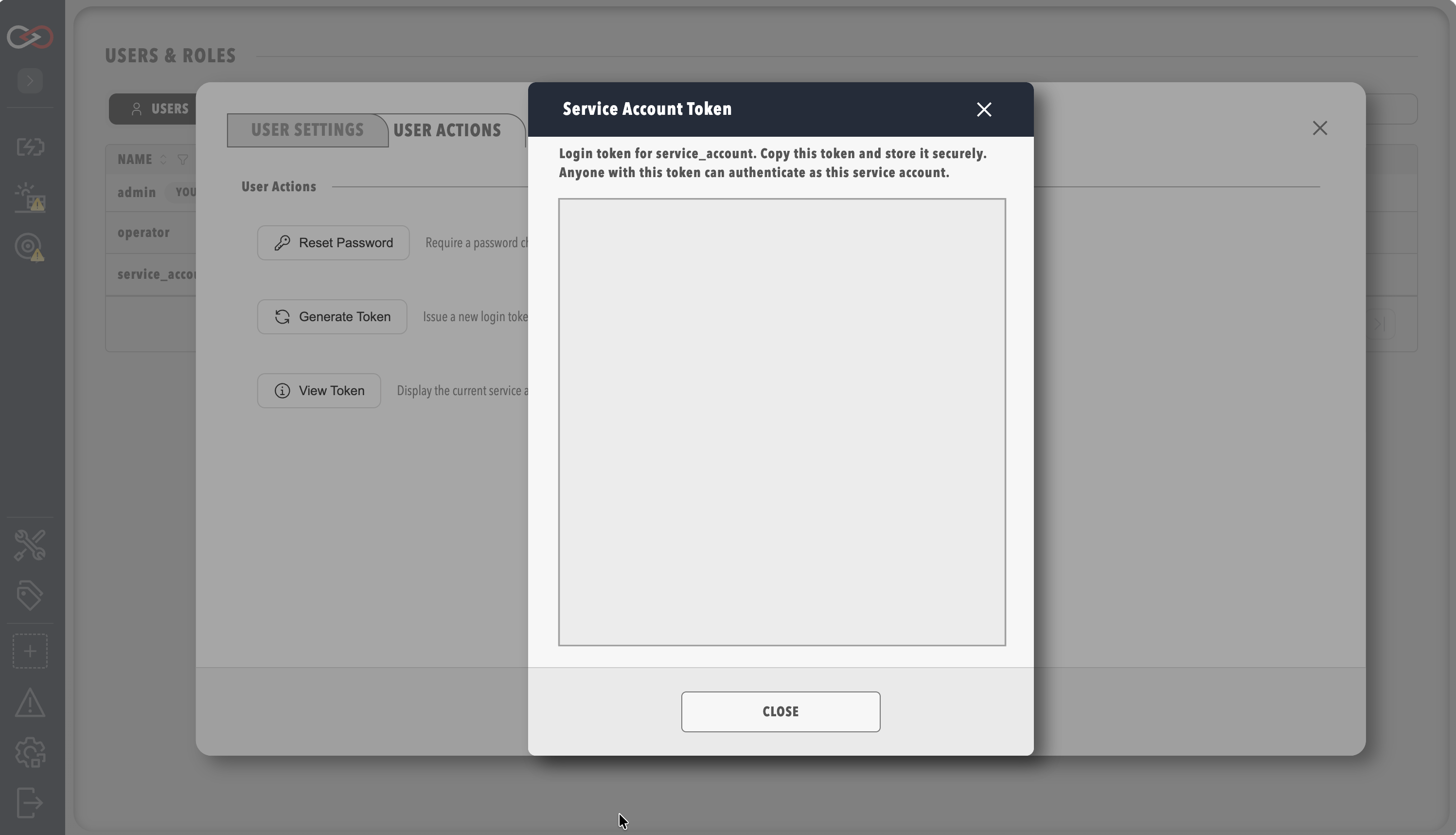
Generating a token stops the old one working
Generate Token issues a new token and the previous token stops working immediately, so every integration that uses the old token fails until it is updated with the new one. Copy the token into a secrets manager when it is shown, so that it is available to configure the integration.
Permissions
A service account is given roles in the same way as an interactive user, and the table shows common patterns.
| Use case | Suggested permissions |
|---|---|
| Read-only monitoring | A role holding view permissions only, as suggested in Roles and permissions |
| Tag and query automation | View tags, plus any other view permission the integration reads |
| MCP access | MCP integration, which the default Administrators role includes and which any other role must be given explicitly |
MCP access also needs the AI licensed feature, included in the Server and Enterprise editions, as described in Licensing.
Using the token
The token is passed as a bearer token on /api/v2 requests:
For MCP setup and testing, refer to MCP Server.
Revoking access
To revoke a service account's access, disable the account in Users & Groups, change its roles, which also issues a new token and stops the old one working, or select Generate Token on its User Actions tab, which stops the old token working.
Related documentation
- Managing users
- Component and collection security, which describes how restricted components and collections apply to service accounts