Profinity dashboard development guide
A Profinity dashboard is a user interface whose values come from Profinity tags. You build and change dashboards in the Visual Editor without writing YAML, and every dashboard is stored as a YAML file that the YAML tab of the editor opens as a fallback. This guide is for people who build dashboards for components, profile home pages and the Dashboard Component.
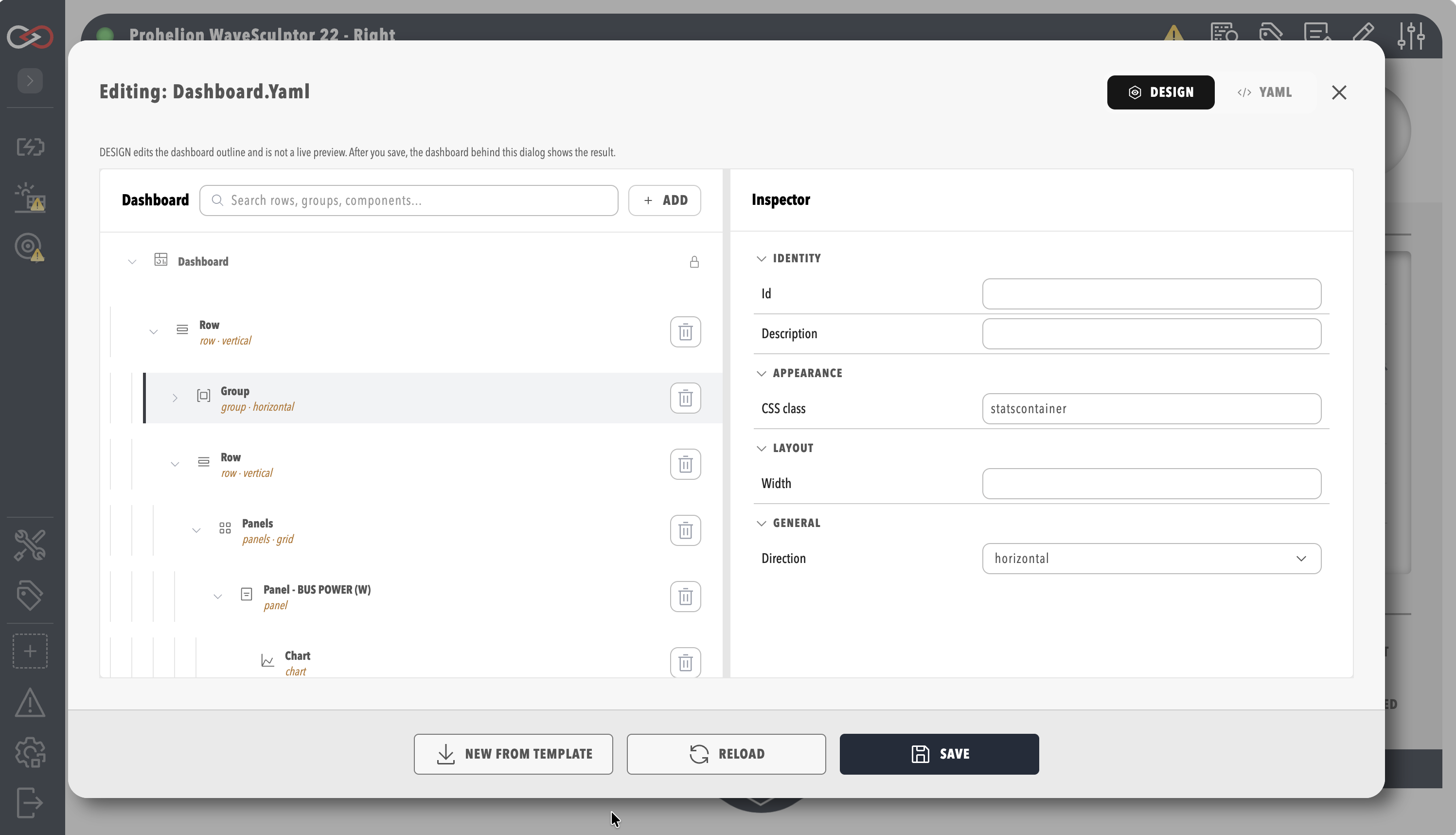
- Where dashboards are used shows where a dashboard appears and holds the starter template.
- Build a dashboard in the Visual Editor walks through opening the editor, adding elements, binding tags, saving, and copying a dashboard as a template.
- Visual Editor reference describes the dashboard tree, inspector, footer buttons and YAML tab.
- Core elements explains the structure of a dashboard.
- Data binding describes how to bind tags to components, and how a binding shows live values or a window of history.
- View a dashboard at a past time switches a dashboard between live values and values from an earlier time.
- Component reference describes each component you can include.
- Conditional styling shows how to hide and show elements or change colour based on data.
- Store dashboard files in a profile explains where images, stylesheets, and content files go.
- Motor controller dashboard example analyses a complete dashboard for a WaveSculptor22 motor controller, and includes a download of that YAML.
- Troubleshooting guide and the Frequently asked questions cover validation errors, binding problems and common questions.
Start with How to create a custom dashboard to build your first dashboard step by step. Build a dashboard in the Visual Editor then covers the editor in full, including binding tags and copying a dashboard as a template.