Logs
Profinity has a built-in logging mechanism that captures information about the operation of the system and is designed to assist in diagnosing system issues. To view the system logs, select ADMIN in the side menu, then the Logs pill. Viewing and changing the logs needs the Security administration permission. No licence feature is needed. If a log line is too long to fit on the page, select the line to expand that log message.
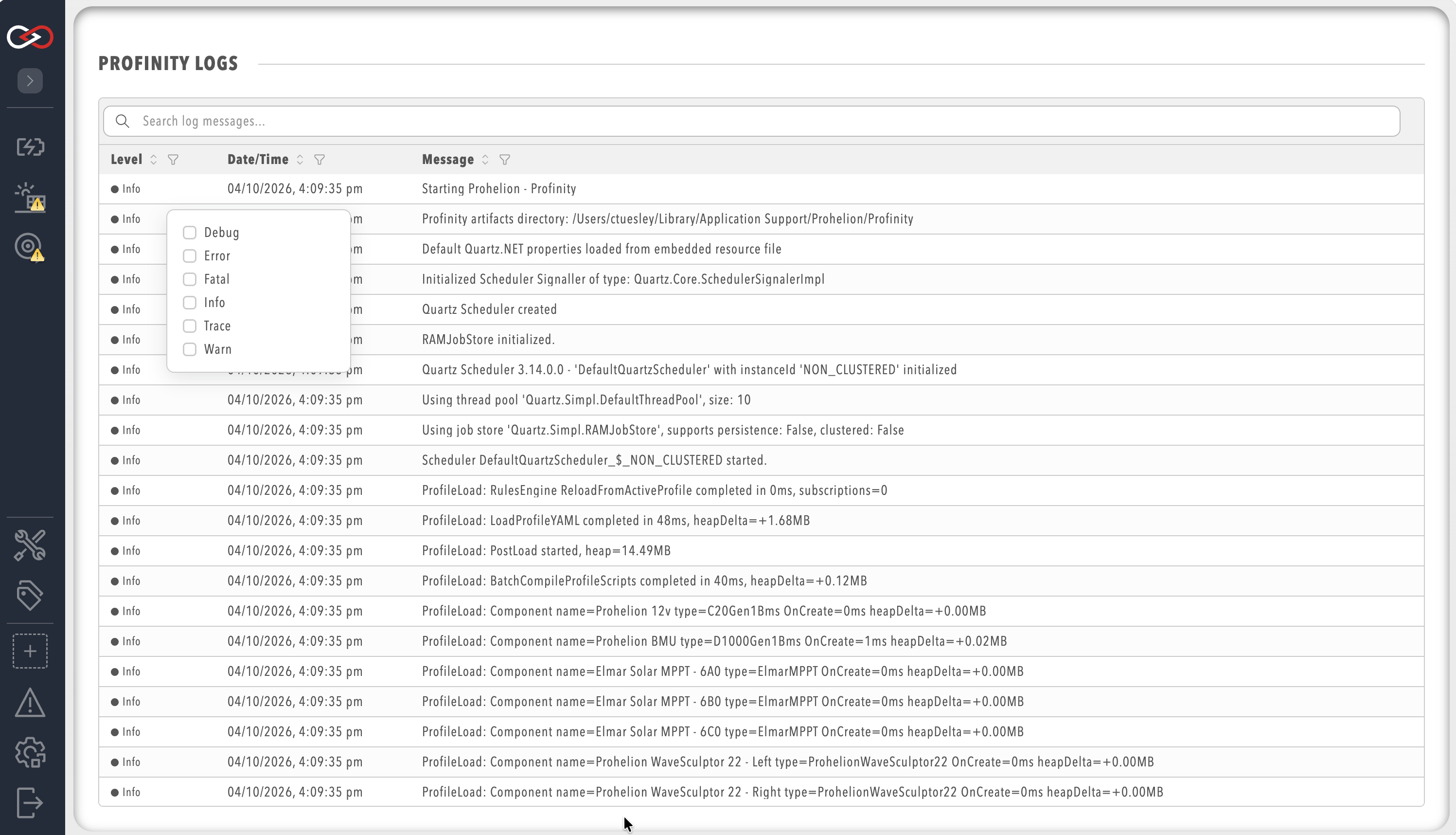
Each log entry contains a timestamp, a message level (for example Info, Warn, or Error), and a message description.
Log level on the Logging tab of System Configuration sets which levels are recorded.
Limiting the logs to particular message levels helps diagnose particular issues.
A higher level records fewer messages. The viewer shows entries at or above the selected level, so raising the level hides earlier lower-level entries, and lowering it does not bring back entries that were never recorded. Log rollover size (MB) and Retained logs are set on the same tab. Logging describes the log levels and these settings.