HTML
HTML content component for displaying raw HTML content. This component allows you to embed custom HTML, including references to content from /Profile/Content, images from /Profile/Images, and styles from /Profile/Styles.
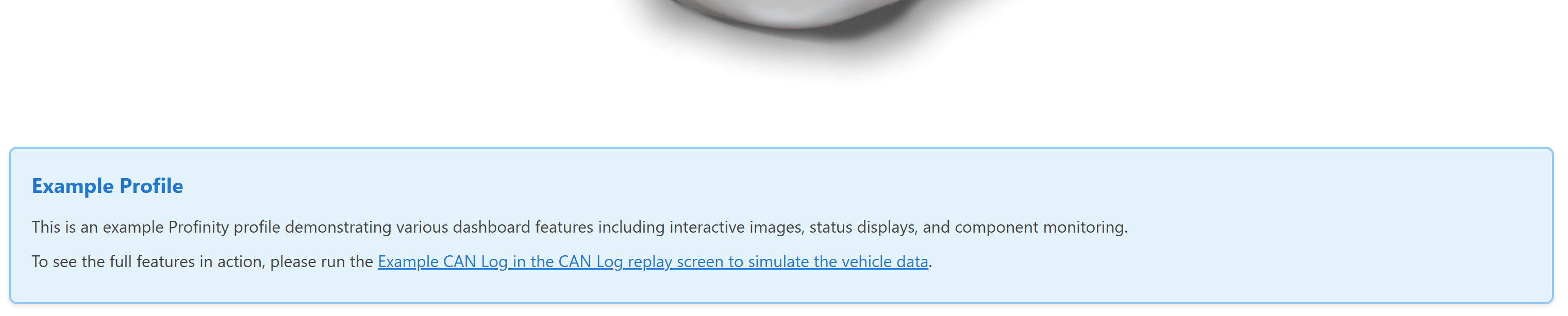
Best for: Custom content display, rich text formatting, embedded content, documentation snippets
When not to use: For structured data display (use Readouts, Tables, etc.), for interactive elements (use Actions, Toggles, etc.)
Parameters:
| Parameter | Type | Description |
|---|---|---|
id |
optional (string) | Unique identifier for the HTML component |
class |
optional (string) | CSS class for styling |
content |
required (string) | HTML content to display |
Referencing Profile Assets in HTML:
- Images: Use
/Profile/Images/{filename}in img src attributes - Styles: Link to stylesheets using
/Profile/Styles/{filename} - Content: Reference content files using
/Profile/Content/{filename}
Example:
dashboard:
  items:
    - row:
        items:
          - html:
              class: "info-box"
              content: |
                <div class="info-box__header">System Information</div>
                <div class="info-box__content">
                  <p>This dashboard monitors system status.</p>
                  <img src="/Profile/Images/system-diagram.svg" alt="System Diagram" />
                </div>
Example with External Stylesheet: