Service Scripts
Service scripts are designed for continuous, long-running operations that need to maintain state and respond to system events. They operate similarly to Windows services, with full lifecycle management and multiple startup modes. These scripts are ideal for critical monitoring tasks, continuous data logging, and system-level operations that need to run reliably over extended periods.
Characteristics
- Continuous execution with service-like behavior
- Service state management methods
- Support for service lifecycle management
Examples
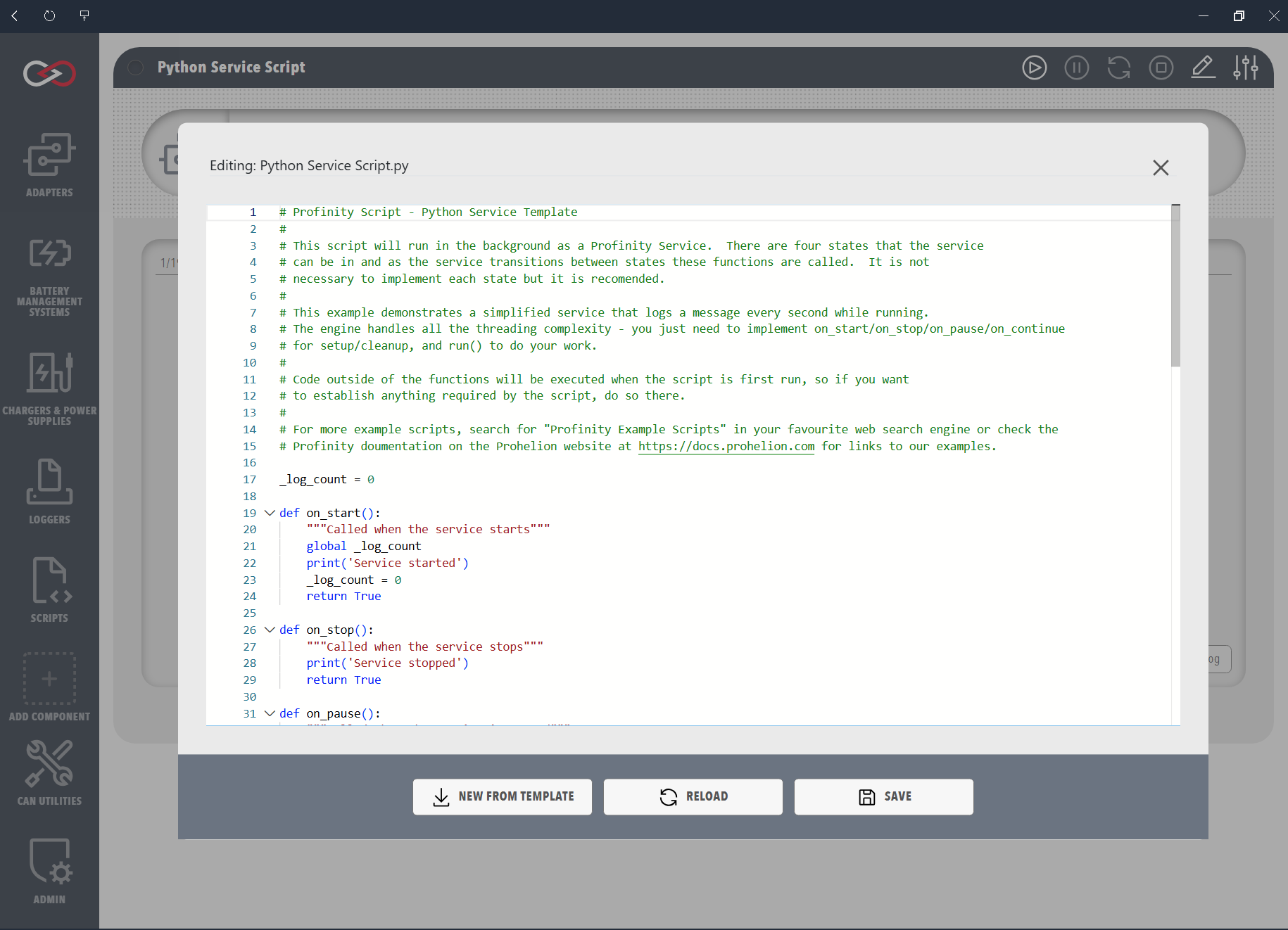
The following examples demonstrate how to implement Service scripts in each supported language. Each example shows the complete lifecycle management of a service, including start, stop, pause, and continue operations. The on_stop() method (Python) or OnStop() method (C#) is called both when the service is manually stopped and when Profinity is shutting down. These examples represent the minimum implementation needed for a functional Service script.
This example demonstrates a Service script that:
- Implements all required lifecycle methods
- Shows proper service state management
- Uses the Profinity console for logging
- Handles service state transitions
using System;
using Profinity.Scripting;

public class CSharpServiceTest : ProfinityBaseService
{
    public override bool OnStart()
    {
        Profinity.Console.WriteLine("Started CSharp Service");
        return true;
    }

    public override bool OnStop()
    {
        Profinity.Console.WriteLine("Stopped CSharp Service");
        return true;
    }

    public override bool OnPause()
    {
        Profinity.Console.WriteLine("Paused CSharp Service");
        return true;
    }

    public override bool OnContinue()
    {
        Profinity.Console.WriteLine("Continue CSharp Service");
        return true;
    }

    public override bool Run()
    {
        // Optional: Run() method for interface compliance
        // Can be left empty or do minimal work
        // Return true to continue, false to stop
        return true;
    }
}
def on_start():
    print('Python Service Started!')
    return True

def on_stop():
    print('Python Service Stopped!')
    return True

def on_pause():
    print('Python Service Paused!')
    return True

def on_continue():
    print('Python Service Continued!')
    return True

def run():
    """Optional: run() function for consistency with examples"""
    # Can be left empty or do minimal work
    # Return True to continue, False to stop
    return True