Custom Components
Profinity allows you to create Custom Components using your DBC files and custom dashboard definitions. This lets you include any CAN bus device in your profile so you can monitor it and graph or log its data.
CAN bus DBC
DBC is a file format that can be used to describe the format and nature of CAN bus data. With a DBC file CAN data can be understood more clearly and broken down in to Signals and Messages, the fundamental building blocks of a DBC file.
For the moment, Profinity provides a DBC Viewer that can be used to take a DBC file and will show the CAN bus traffic travelling through the Profinity system as Messages and Signals.
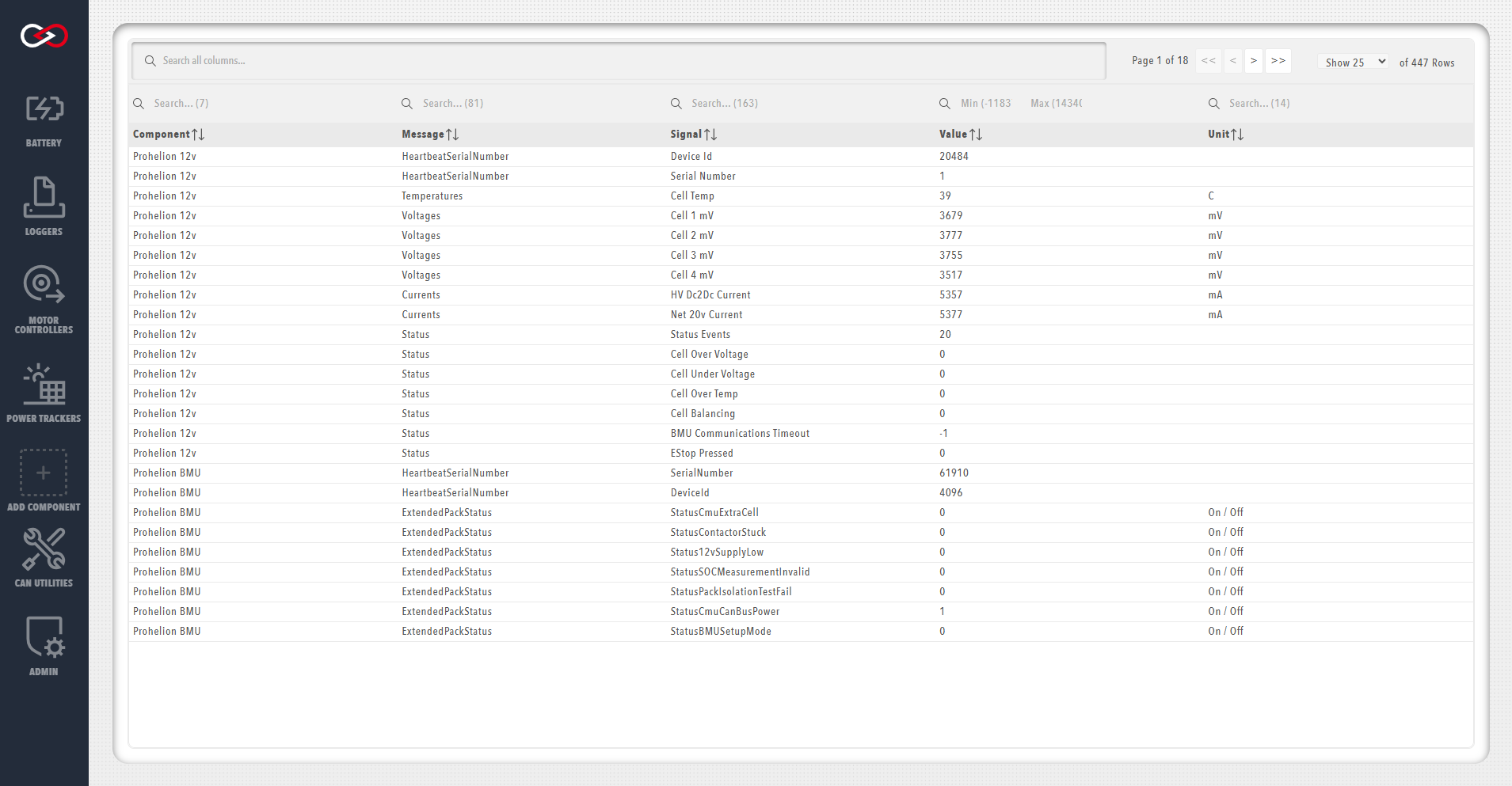
To use the DBC viewer with a third party DBC file you need to create a new component in your Profile and provide the DBC file in the configuration properties for the new component.
Once this has been done you will see the item in your profile, and by right-clicking on it you can access information about its Messages and Signals.
Many of the other components supported by Profinity such as the Elmar Solar MPPT and the WaveSculptor have support for DBC built in to the component and also allow you to view Messages and Signals, without requiring a separate DBC file.
Custom Dashboards
Profinity provides the ability to define custom dashboards using our YAML custom dashboard editor. The editor can validate your dashboard as you create it and it is also possible to use our existing dashboards as templates for your dashboard as we build our own Profinity dashboards using this tool.
For more information on creating dashboards, see the Dashboard Development Guide documentation.